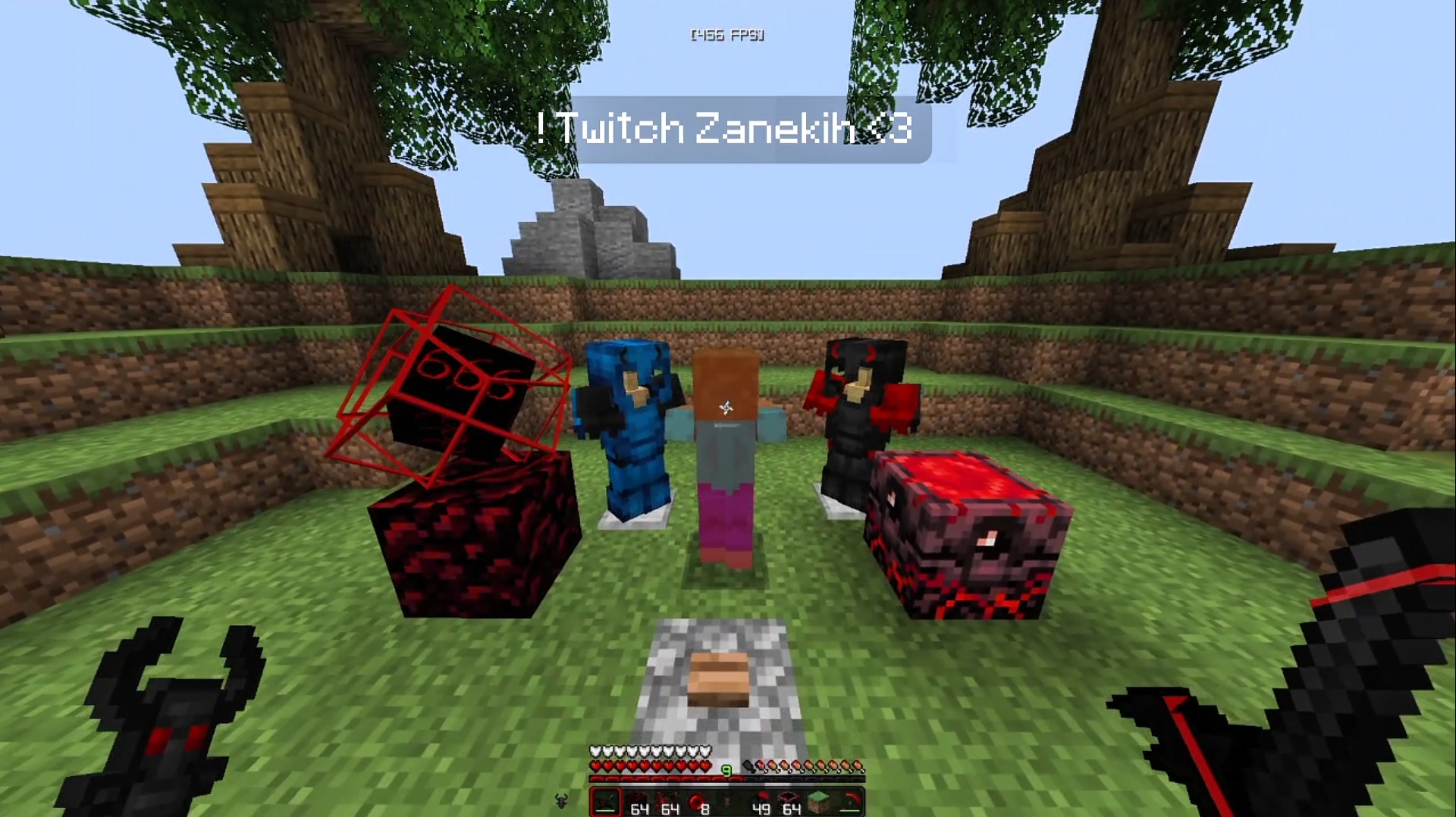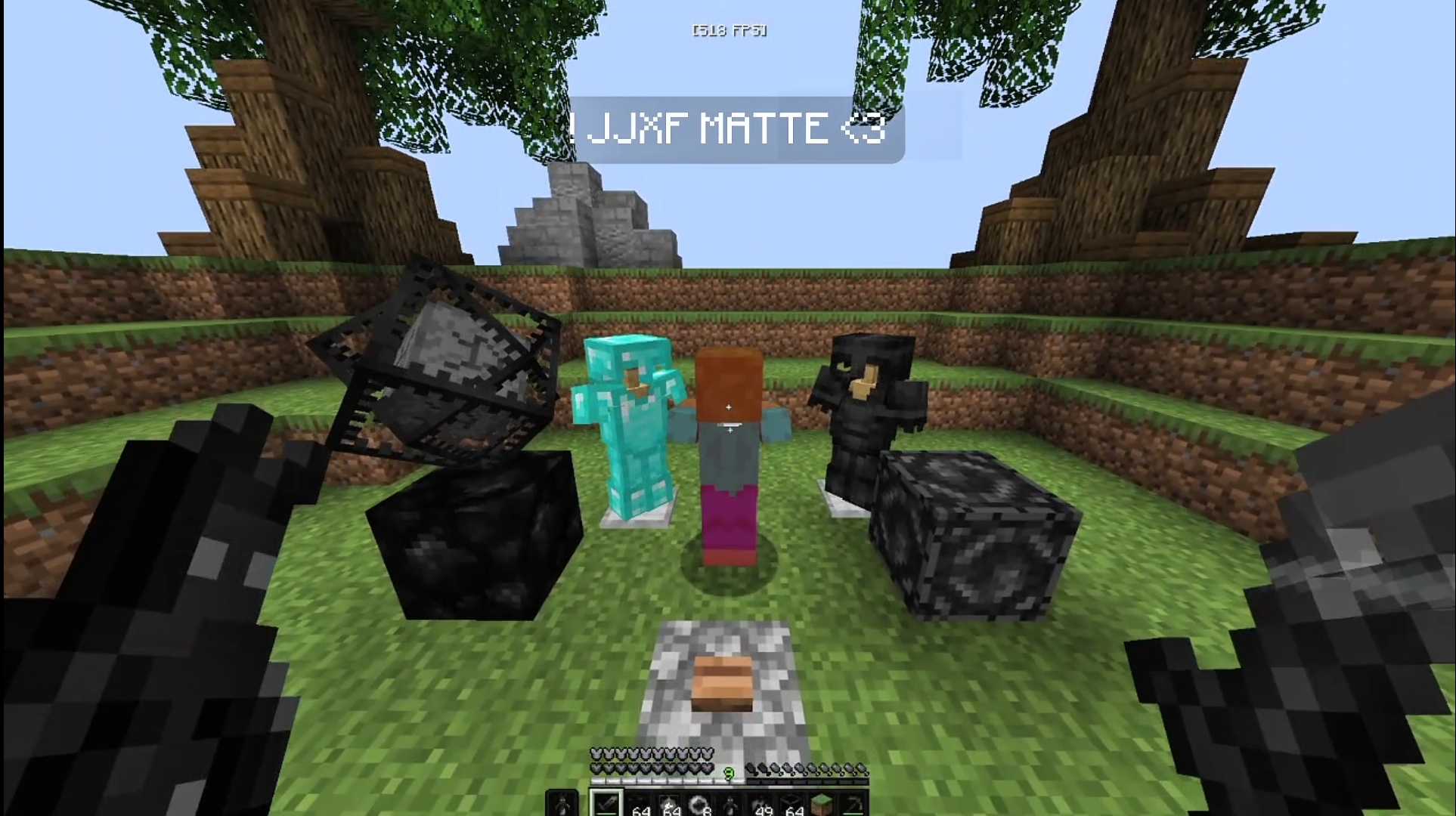
JJXX MATTE — Java 1.21+ texture pack thumbnail
Advertisement
Clean Approved v1.0

JJXX MATTE — Java 1.21+

Size: 5.3 MB
Author: Syntrix
Platform: Java Edition
Category: Clean

JJXX MATTE is a flat, matte-finish resource pack built for Minecraft Java 1.21. Every texture has been stripped of unnecessary sheen and visual noise, delivering a minimalist look that keeps your attention exactly where it needs to be. Whether you're running competitive PvP or grinding long survival sessions, JJXX MATTE gives your world a sleek, purpose-built feel.

MATTECleanMinimalist16xJava 1.21Competitive
Free Download
jjxx-matte-java-1-21.zip
Size: 5.3 MB · Java 1.21+ · Free · Direct
Scanned & safe. Direct download from MediaFire. No account required.
Your download starts in 5s — ad supports free packs
Advertisement
Scanned & safe · MediaFire · No account required

About This Pack

This resource pack is fully compatible with Minecraft Java Edition 1.21 and 1.20.x, works with OptiFine, Sodium, Iris Shaders, Fabric, and Forge. All Syntrix packs are 100% free — no login, no subscription, no hidden fees. Click Download, wait 5 seconds, and get your pack directly from MediaFire.

Key Features

True Matte Finish — All specular highlights and surface sheen have been removed, giving every block a flat, uniform tone that reads clearly at any distance.
Zero Visual Clutter — Stripped-back textures remove distracting detail so the gameplay — not the environment — stays front and centre.
FPS-First Design — Native 16x resolution and minimal texture complexity keep frame times low across all hardware tiers.
Cohesive Neutral Palette — Muted tones across the block set ensure a consistent, professional look whether you're building, exploring, or fighting.

Installation Guide

01
Download the pack — Click Download Free above. A short countdown appears, then your download begins from MediaFire automatically.
02
Open Minecraft Java — Launch Minecraft Java Edition. From the main menu go to OptionsResource Packs.
03
Open the pack folder — Click Open Pack Folder in the bottom-left of the Resource Packs screen. Your file manager will open.
04
Place the .zip file — Move the downloaded .zip file directly into the resourcepacks folder. Do not extract it.
05
Activate in-game — The pack appears in the left column. Click the arrow to activate it, then click Done. Textures reload automatically.
Pro tip: JJXX MATTE pairs perfectly with a dark GUI resource pack on top — stack them in the Resource Packs screen for a fully unified look.

Compatibility

Java 1.21+
Java 1.20.x
OptiFine
Sodium
Iris
Fabric
Forge
Advertisement
Browse All Packs

FAQ

Is this texture pack free?

Yes — completely free. No account, no subscription, no hidden costs. Click Download and it's yours.

Which Minecraft versions are supported?

Optimized for Minecraft Java Edition 1.21+. Also works on 1.20.x. Not compatible with Bedrock or PE.

Does this work with OptiFine or Sodium?

Yes. Fully compatible with OptiFine, Sodium, Iris Shaders, and Oculus. For best FPS, use Sodium + Lithium on Fabric.

Can I use this in YouTube/Twitch content?

Absolutely. A link back to Syntrix is appreciated but not required. Share your content in our Discord server!